
5 Common Color Mistakes to Avoid in Your Pin Design
Pinterest is an entirely visual search engine. Because of this, making your Pin stand out in a sea of search results is crucial, and color is your best weapon to grab attention.
However, color is a double-edged sword. If used incorrectly, it can make your Pin look messy, cluttered, and honestly, no one will want to click on it.
This post will help you spot and avoid 5 very common mistakes so your designs can instantly look cleaner and more professional.
1. Using a bright background with white text
I see so many creators use colors like bright yellow, neon green, or hot pink for their backgrounds, thinking it will grab attention.
That’s true, but the problem starts when you put white text over it. The lack of contrast makes your headline basically invisible.
People are scrolling fast—if it strains their eyes or they can’t read it in a split second, they’re going to scroll right past your Pin.

2. Using a dark background with black text
On the flip side, using black text on dark backgrounds (like navy blue, dark brown, or deep purple) is just as bad.
Your text will completely blend into the background, creating an overly dark and heavy vibe. Always remember the golden rule of Pin design: High contrast always wins.

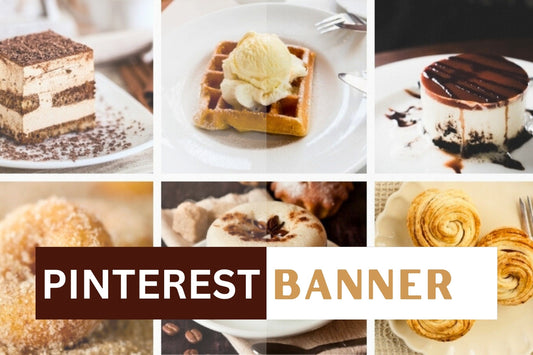
3. Using cool colors (like blue) for Food Pins
If you're in the food niche, color has a massive impact on emotion. In color psychology, blue is actually proven to suppress appetite.
It completely defeats the purpose of a mouth-watering food photo. Unless you're sharing a recipe for ice cream or a cold beverage, stick to warm colors like red, orange, and yellow to trigger your viewers' taste buds.

4. Using more than 3 colors in your design
Sometimes we want to pack a lot of colors into a design thinking it will make it pop. But trust me on this, cramming in more than 3 colors usually just makes it look amateur and waters down the design.
My best advice is to keep it simple: 1 main background color, 1 text color, and 1 accent color to make things pop is more than enough.

5. Using colors that don't match the image
Imagine you have a cozy fall home decor photo with warm terracotta tones, but you use a neon pink text block for the background.
It’s going to look completely out of place. A little trick I always use is the color picker tool to grab a color directly from the main photo.
This guarantees your entire Pin looks cohesive and tied together.

Final Thoughts
As you can see, mastering color really isn't that hard. If you just pay a little attention and avoid these basic mistakes, your Pins will immediately look cleaner, easier on the eyes, and get a much higher click-through rate (CTR). Good luck conquering color in your designs!
Also, if you feel like designing takes up too much of your time, or you just need a hand creating visually stunning, SEO-optimized Pins, check out our Pin design services. We’d love to help you out!